 Kudret Keskin


Before you start
Attach the guide in Claude on the web or desktop. Build with sample people, then verify personal storage by saving a change and reopening the board.
Small Business Apps / Free guide
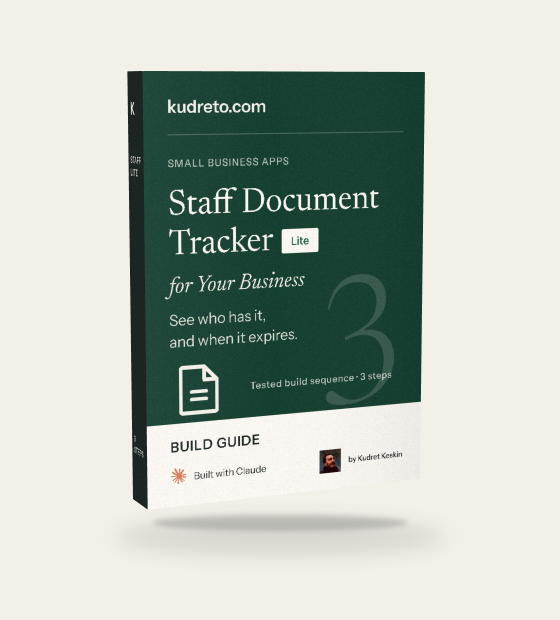
Track one staff document. See who has it, who is missing it and whose copy is about to expire.
 by Kudret Keskin
 Get it free on Gumroad
 Made with Claude
How it works
Drop the PDF into Claude, then follow the guide one prompt at a time. No code needed.

What you build
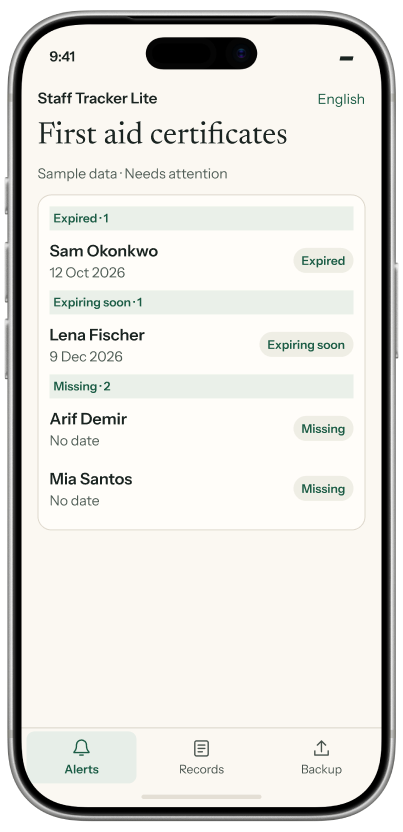
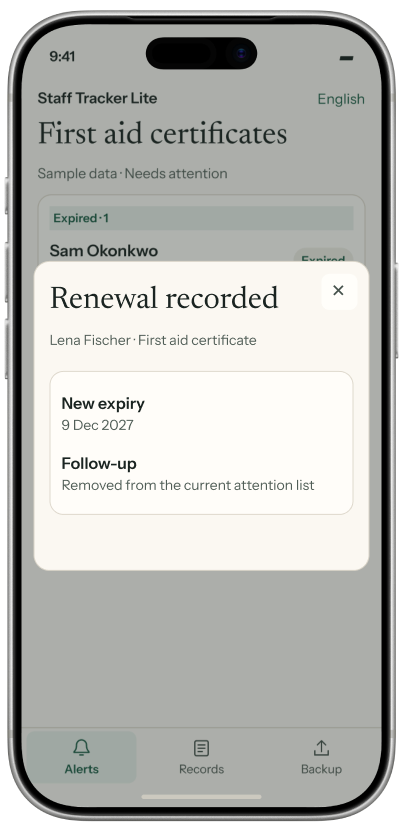
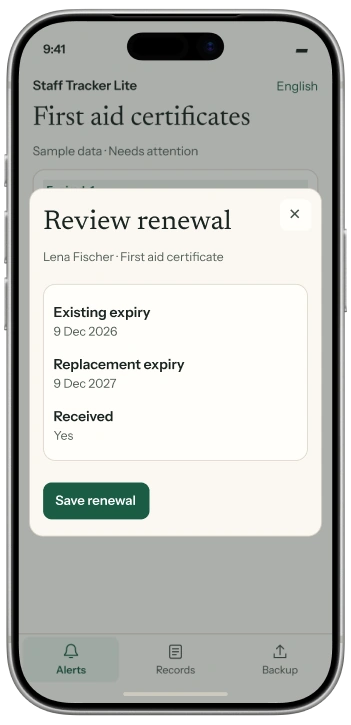
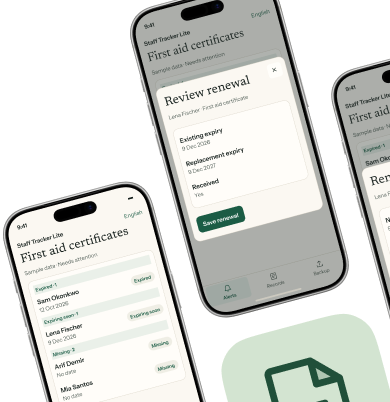
Find Lena under Expiring soon on the board. In the mobile view, check the current expiry, enter the new date and save.
Inside the guide
Use one Claude conversation throughout. Each step includes a prompt, a check and a fix if the board behaves unexpectedly.

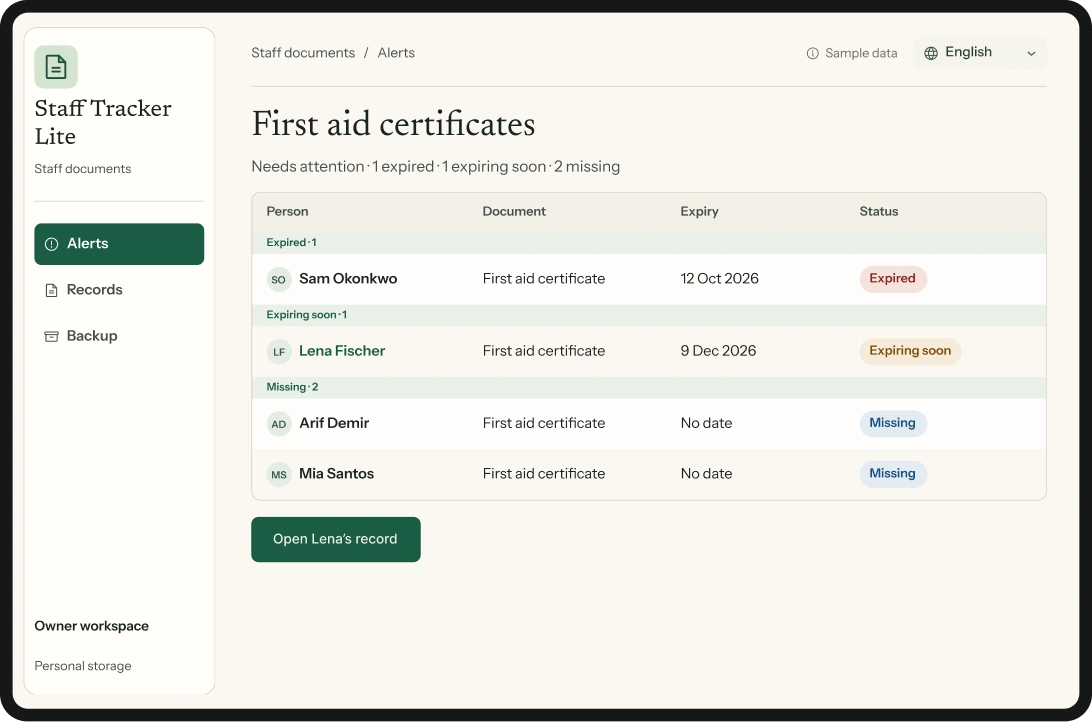
Tell Claude which document you already collect and who needs it. It builds a board with four sample people.

Mark a sample record as received and enter an expiry date. Check that the status changes and the counts update.

Export and re-import the sample rows as CSV. Once that works, type RESET to clear the sample people and add your own.
Check her current expiry, enter the new date and save it on your phone.
Get the free guide
by Kudret Keskin
Attach the guide in Claude on the web or desktop. Build with sample people, then verify personal storage by saving a change and reopening the board.

Start with sample people and confirm the board uses personal storage before entering staff names. Export the people, dates and statuses as a CSV backup each month.

Staff certificates
Your colleague hands you a renewed first aid certificate. Open their record, check the expiry date and save the replacement. The board updates their status.
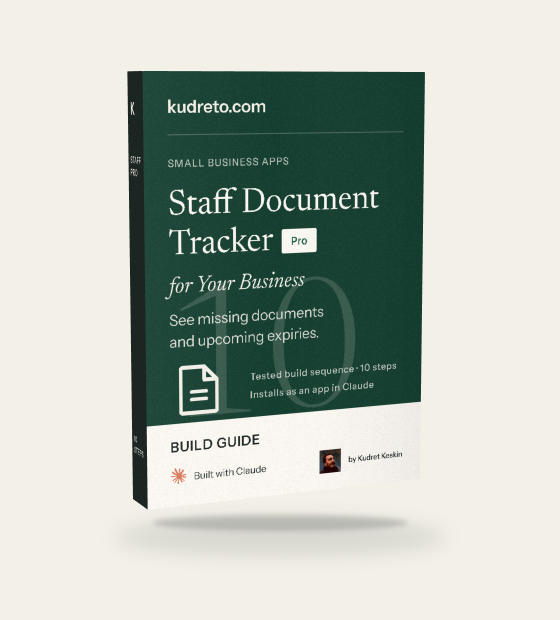
Both PDF guides help you build a tracker in Claude. Choose Pro when each role needs its own set of documents, or you need reminders and a report to share.
| Feature | Lite · Free3-step PDF guide | Pro · $2910-step PDF guide |
|---|---|---|
| Documents per person | Track one document type, such as a first aid certificate. | Set required documents by role. Adding a person creates the rows their role needs. |
| Follow-up | See missing, expired and soon-to-expire records on the board. | See the same statuses, plus an in-app reminder list showing what to chase next. |
| Exports | Copy and restore your records as a CSV backup. | Keep a backup and download a monthly PDF report to share with your team. |
| Google Calendar | Not included. | Create reminder events when you connect Google Calendar and approve them. |
| Desktop app | Open your tracker in Claude. | Install it in its own window on Mac or Windows. Turn on daily notifications if you want them. |
| View the $29 Pro guideView Pro · $29 | ||
Both editions use personal storage. Test a sample record on your account before adding staff details. The Pro guide also covers an optional calendar connection and desktop installation.
Staff Document Tracker Lite / Free PDF
Build a tracker for one staff document in three prompts. The 24-page guide includes tablet and iPhone layouts for every step.
Get the free guide on GumroadQuestions
 What can I track with Lite?
Choose one document for your team, such as a first aid certificate. Record who has supplied it and when each copy expires.
 Can I try it with sample people?
Yes. The guide starts with four sample records so you can test expiry dates and missing documents before entering your own.
 When should I choose Pro?
Choose Pro if different roles need different documents, or if you want reminders and a monthly PDF report.


Keep going
Where I write about this
X
@kudretocom
x.com/kudretocomLinkedIn
Kudret Keskin
www.linkedin.com/in/kudretkeskinUnstuck SaaS
Newsletter on Substack
unstucksaas.substack.comFirmam.ai
The product I am building
firmam.ai