 Kudret Keskin
North Street Cafe
Wedding cake, 3 tiers
Due 28 November
In progressSmall Business Apps / Build guide
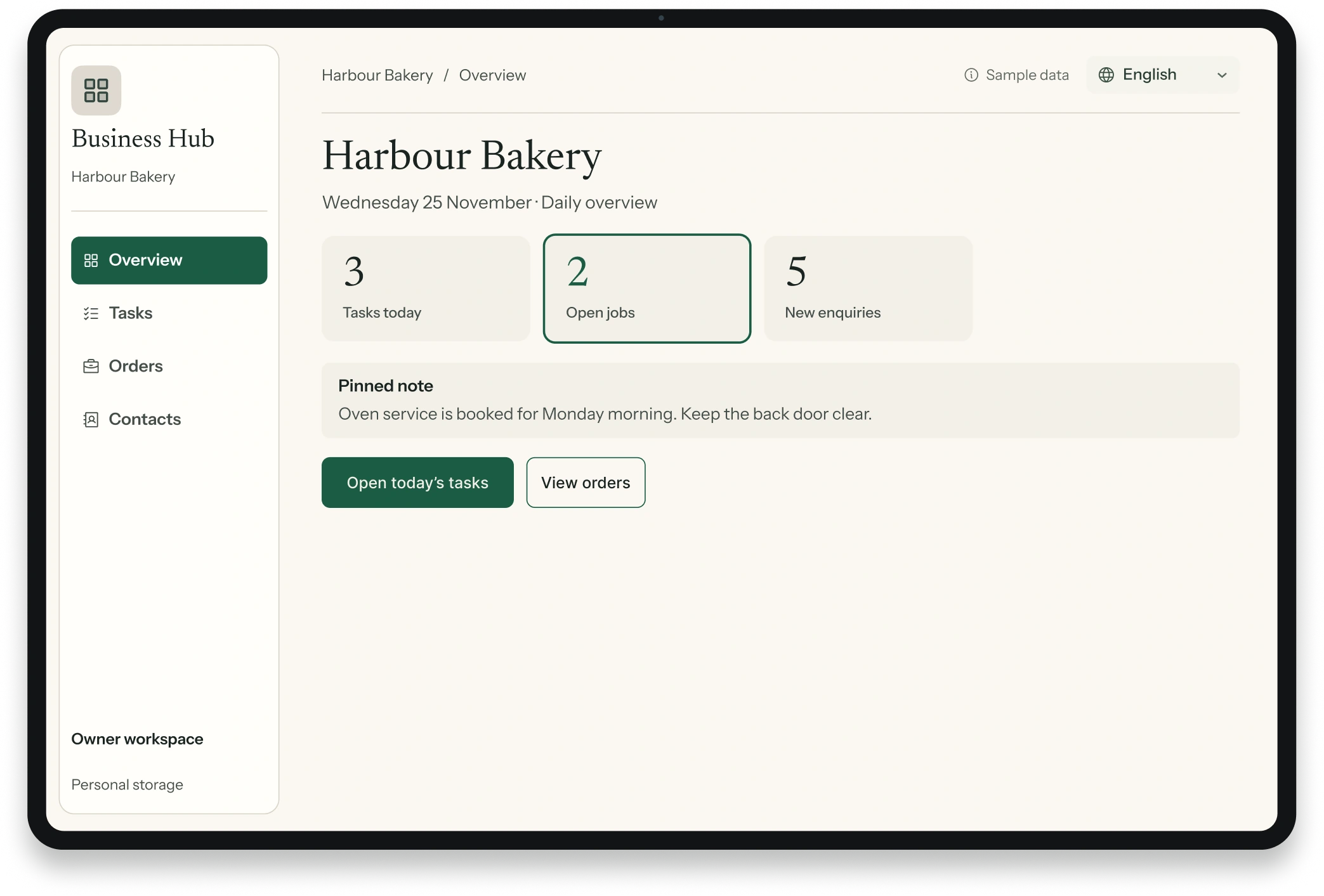
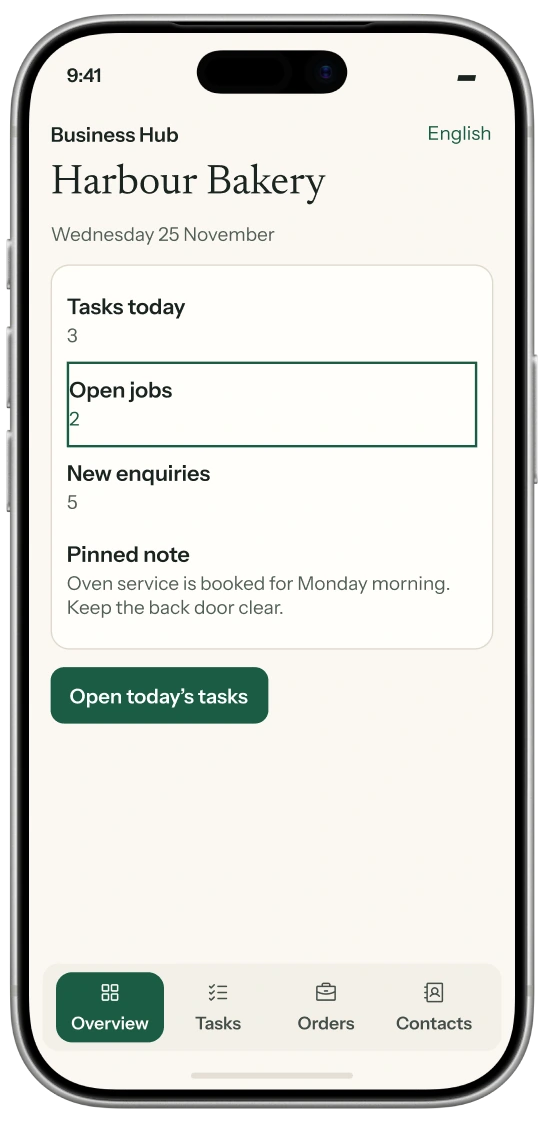
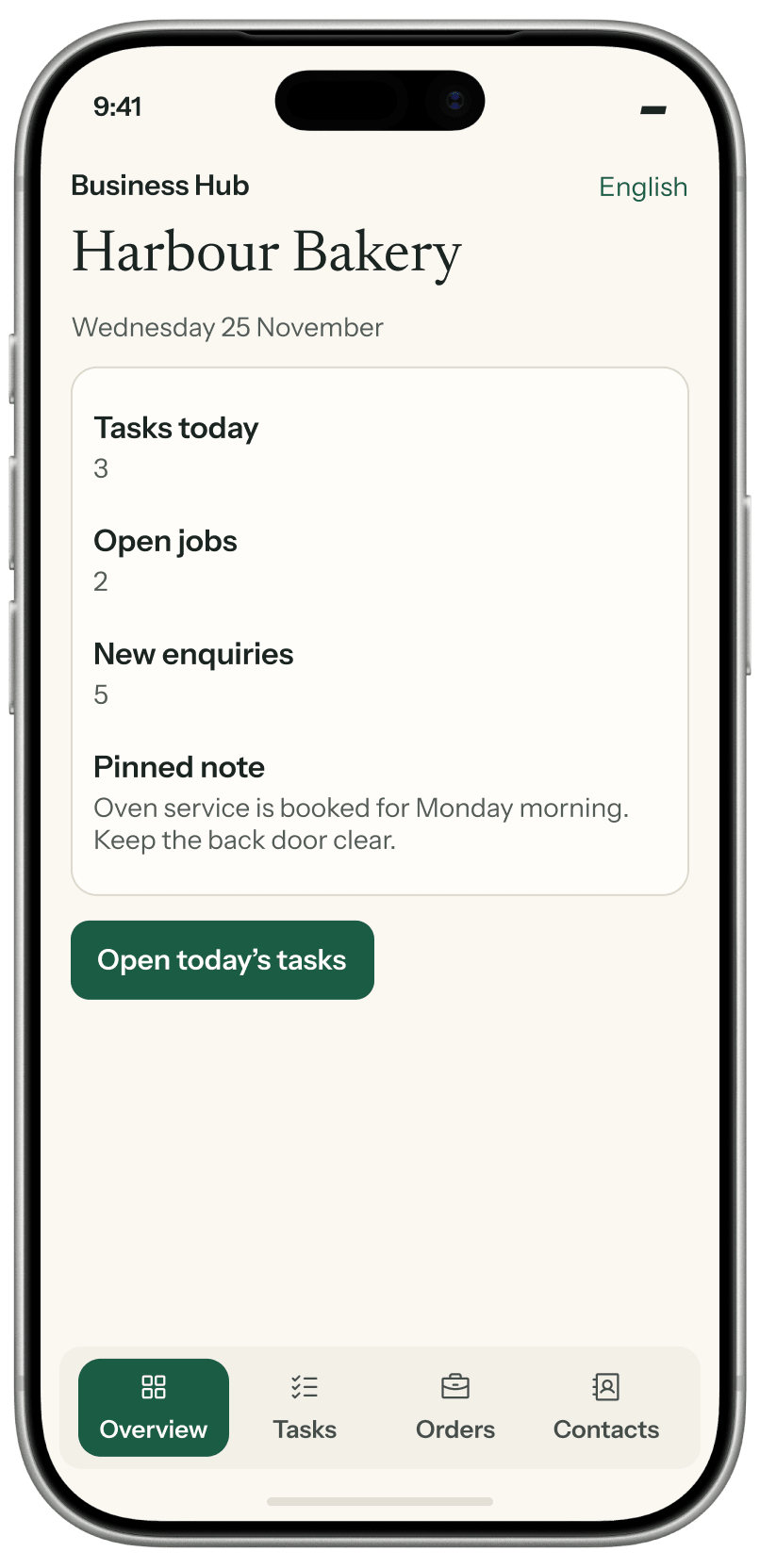
Start the morning with today’s tasks, open jobs and the clients who are waiting.
See a working day$39 · PDF guide · 9 guided steps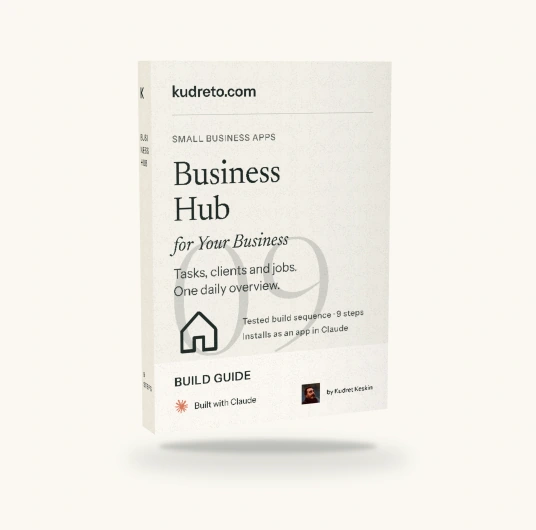
How it works
Drop the PDF into Claude, then follow the guide one prompt at a time. No code needed.

Orders and contacts
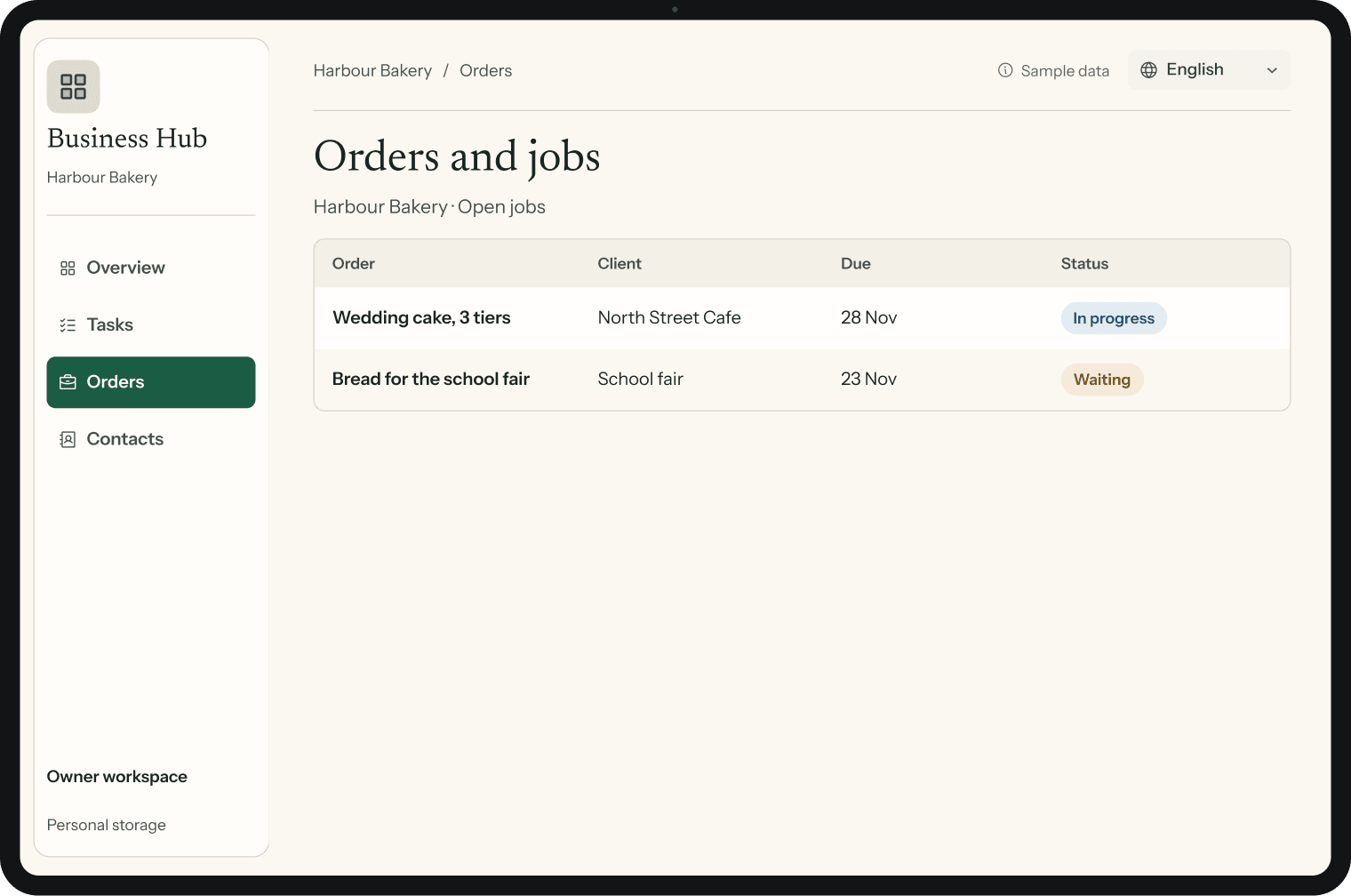
North Street Cafe
Due 28 November
In progressGreen Mill Flour is the bakery’s supplier. Find its details in Contacts.
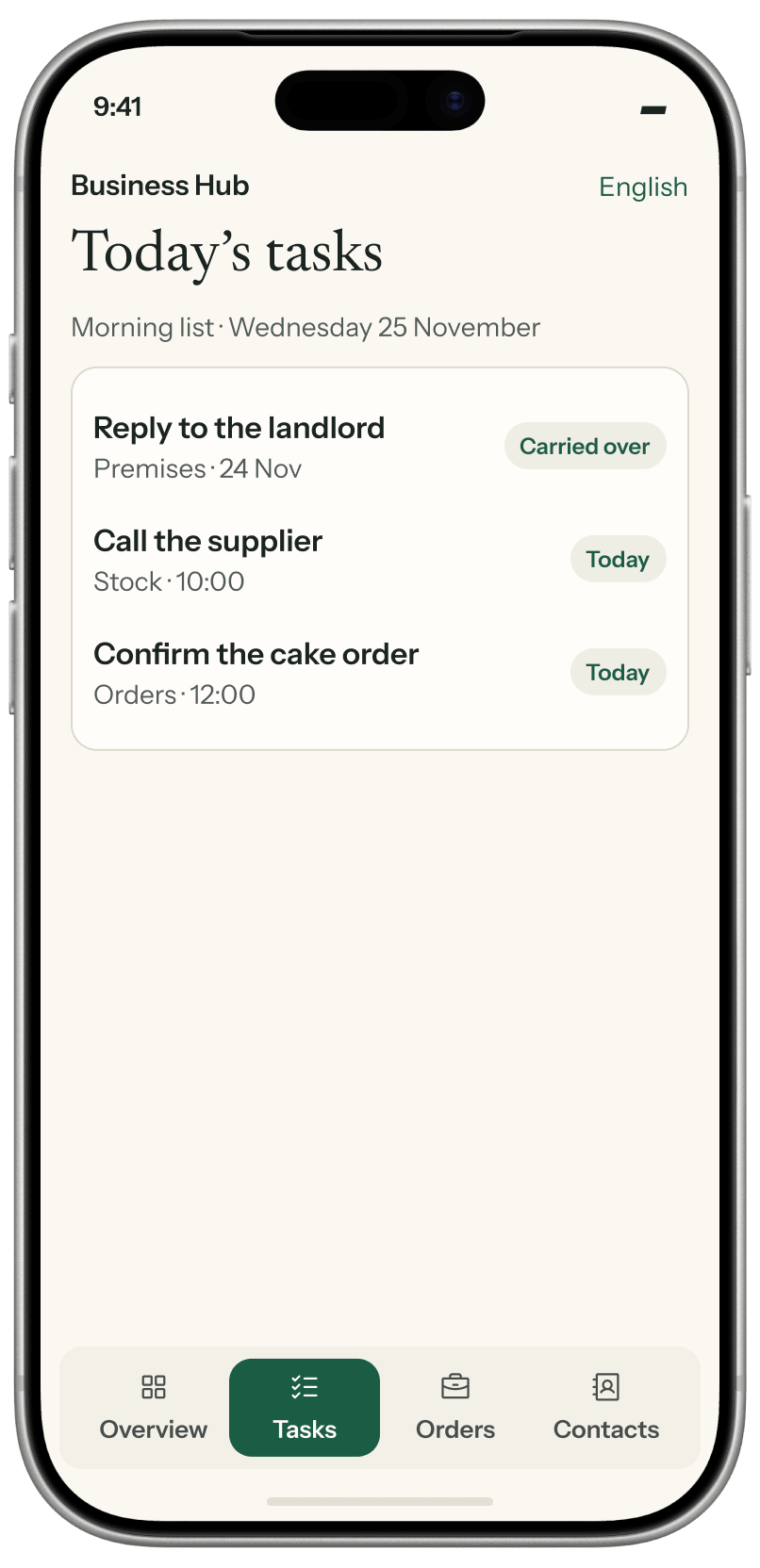
The morning list
The reply to the landlord was due on 24 November. Its original date stays on the list beside today’s supplier call and cake order.
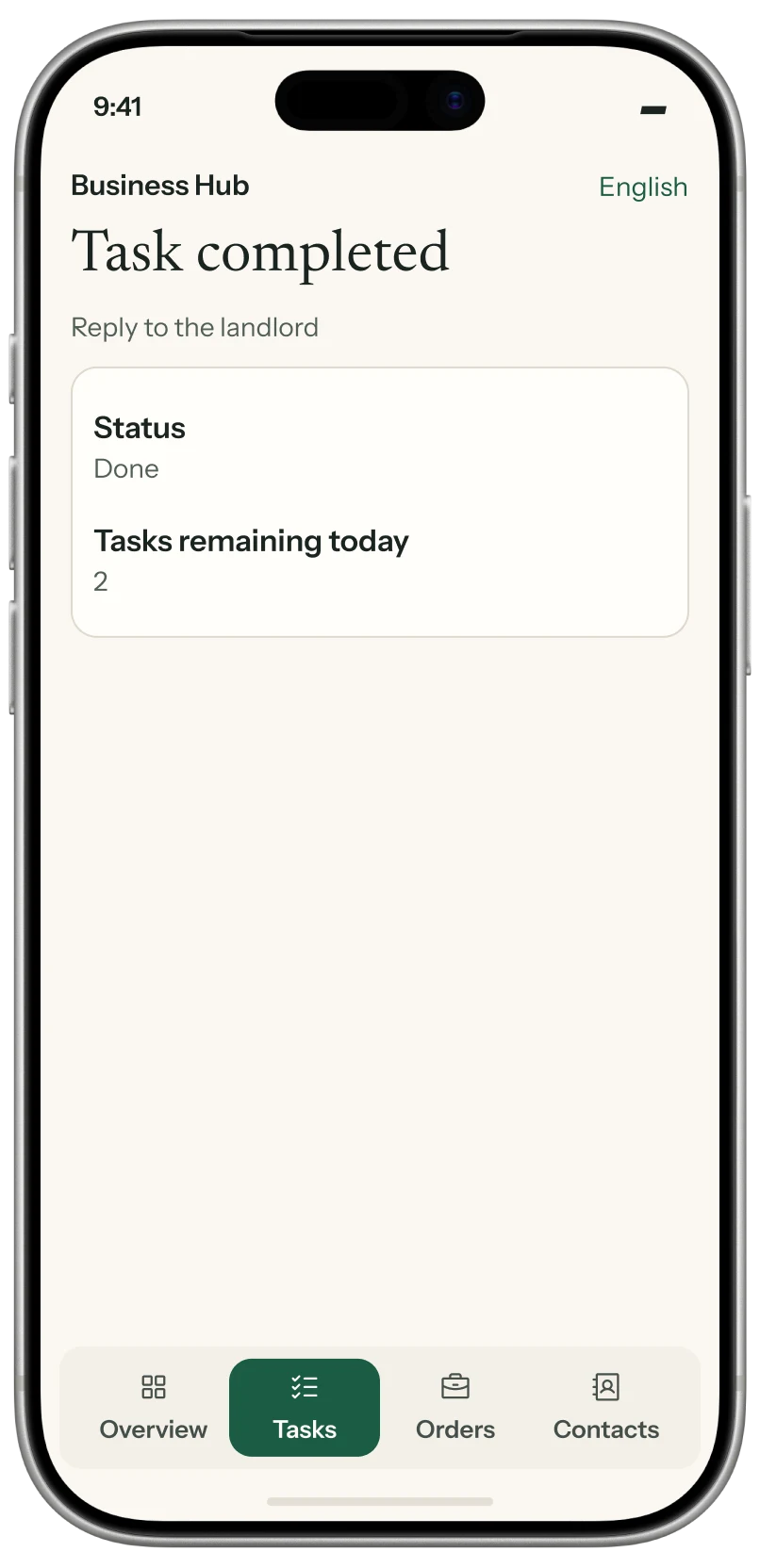
Select “After reply” to see the two tasks left for today.
Yesterday’s landlord reply
stays on the list. Mark it
done and two tasks remain.
 Buy on Gumroad · $39
 by Kudret Keskin
Inside the PDF
Nine guided steps take you from a sample business to a hub with your tasks, jobs, contacts and weekly numbers. Each step includes a prompt, a check and a fix.

Questions
 What happens to unfinished tasks?
They stay on the morning list with the original due date. Mark a task done to remove it from the outstanding count.
 Can I track jobs alongside clients?
Yes. Each order keeps its client, due date and status together. Contacts holds the details for clients and suppliers.
 What do I receive on Gumroad?
A 26-page PDF with nine build prompts, checks and fixes, plus tablet and iPhone layouts to follow in Claude.
Business Hub / PDF guide
Nine guided steps to build a workspace for tasks, clients and orders in Claude.

Keep going
Where I write about this
X
@kudretocom
x.com/kudretocomLinkedIn
Kudret Keskin
www.linkedin.com/in/kudretkeskinUnstuck SaaS
Newsletter on Substack
unstucksaas.substack.comFirmam.ai
The product I am building
firmam.ai