 Kudret Keskin
PDF / Report excerpt
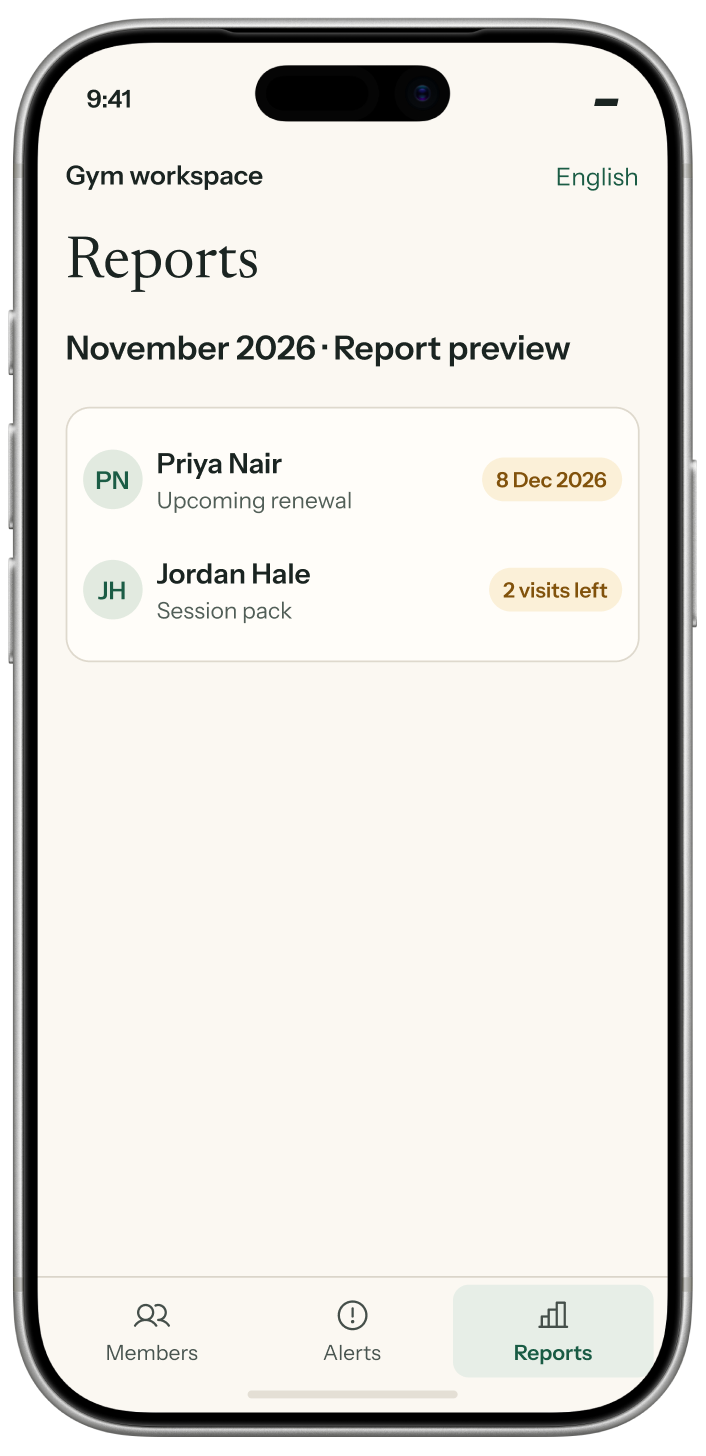
Monthly renewals
November 2026 · Sample members
- Renewals due next month
- Priya Nair · Annual plan · 8 December
- Packs running low
- Jordan Hale · 2 of 10 sessions left
Small Business Apps / Build guide
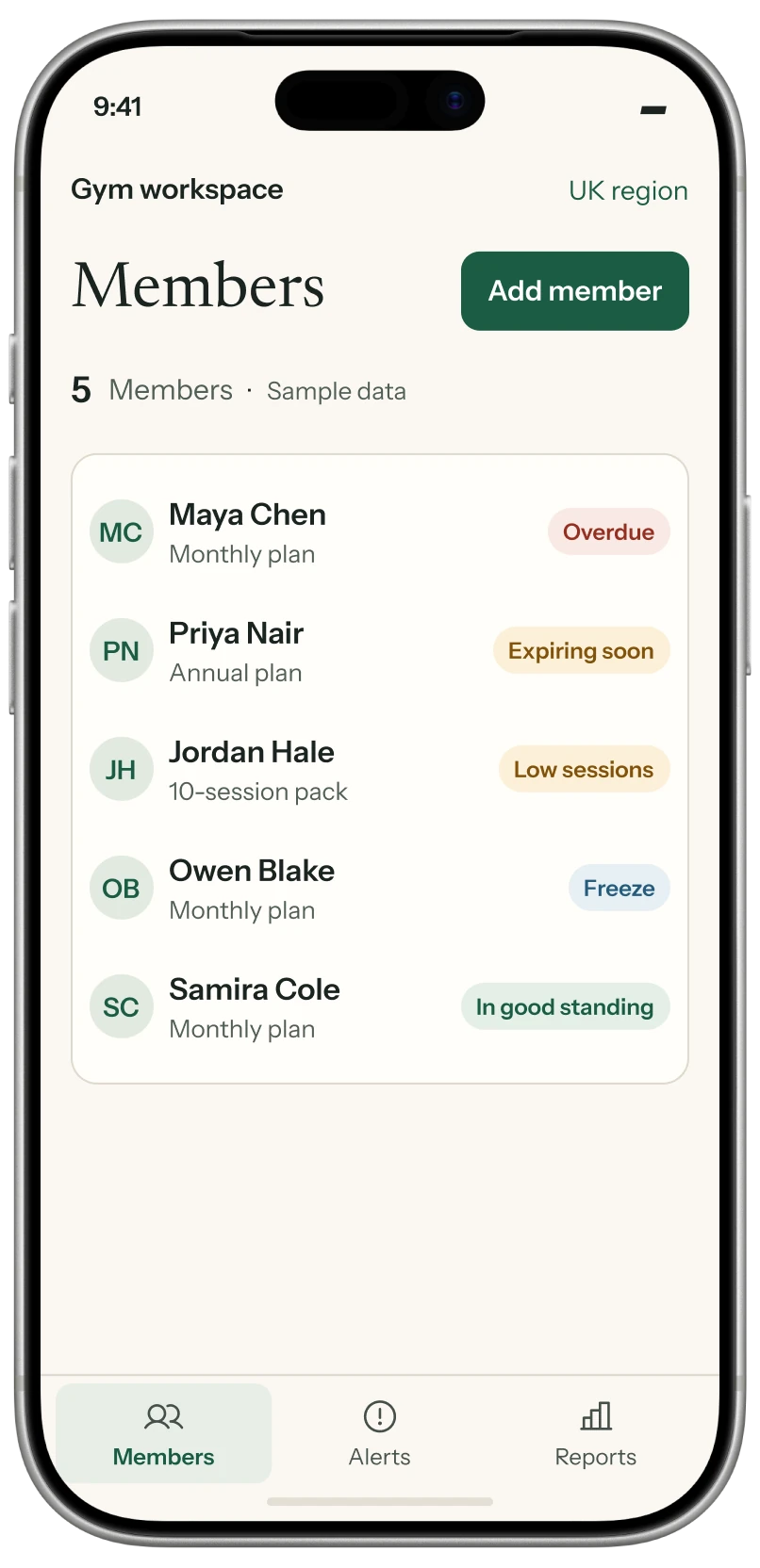
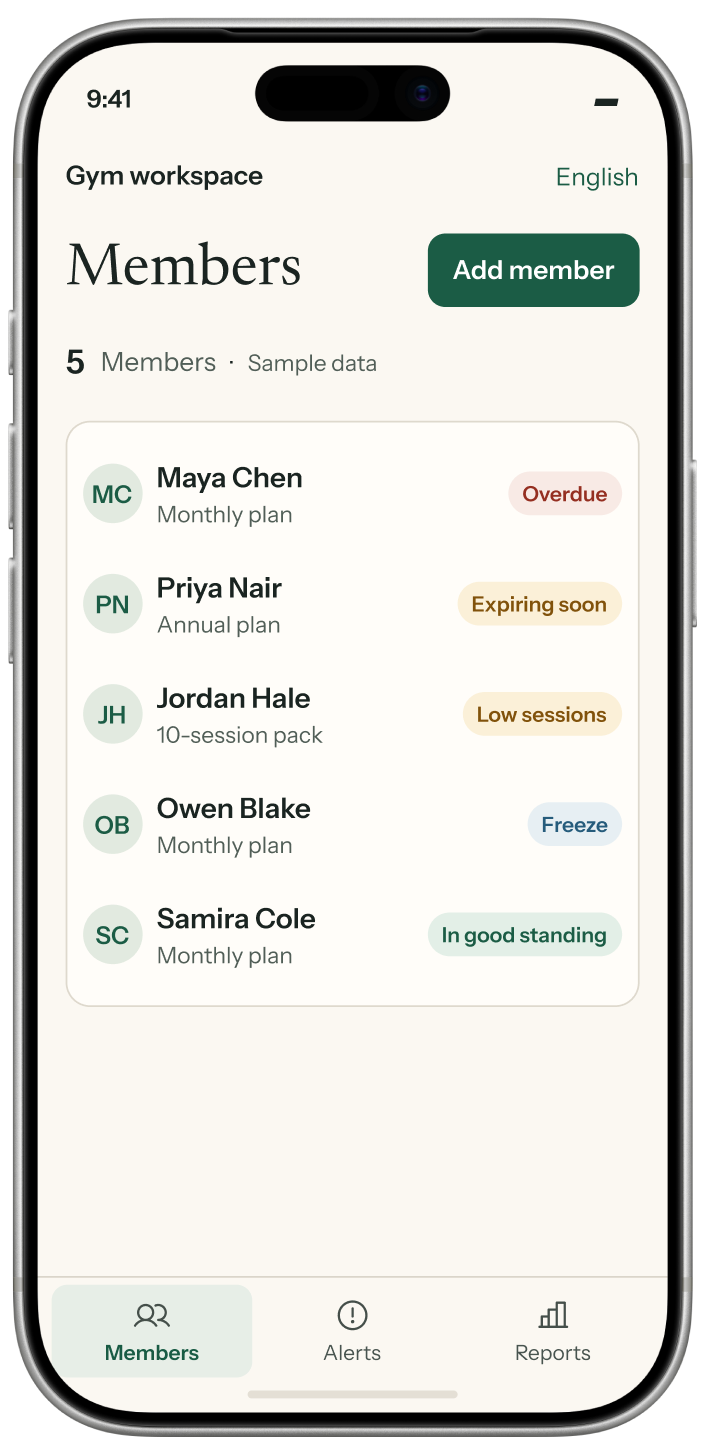
See whose membership is due, who’s on a freeze, and how many visits are left on a session pack.
Explore the $39 guide$39 · 47-page PDF · 10 guided stepsHow it works
Drop the PDF into Claude, then follow the guide one prompt at a time. No code needed.

The member directory
Choose a preview language to explore the sample members. The guide builds an English board with regional date and currency formatting.
The membership board

Payment history / Sample member
 Maya Chen · Monthly plan
Last payment on file
1 November 2026 · Paid
Open Maya from Members, Alerts or Reports. Review her history and record a manual payment in the same dialog.
Monthly report
Save the selected month as a PDF or copy its summary as text. Export the full board as CSV for a backup you can import again.
PDF / Report excerpt
November 2026 · Sample members
Optional member email
 Membership Manager / Alerts
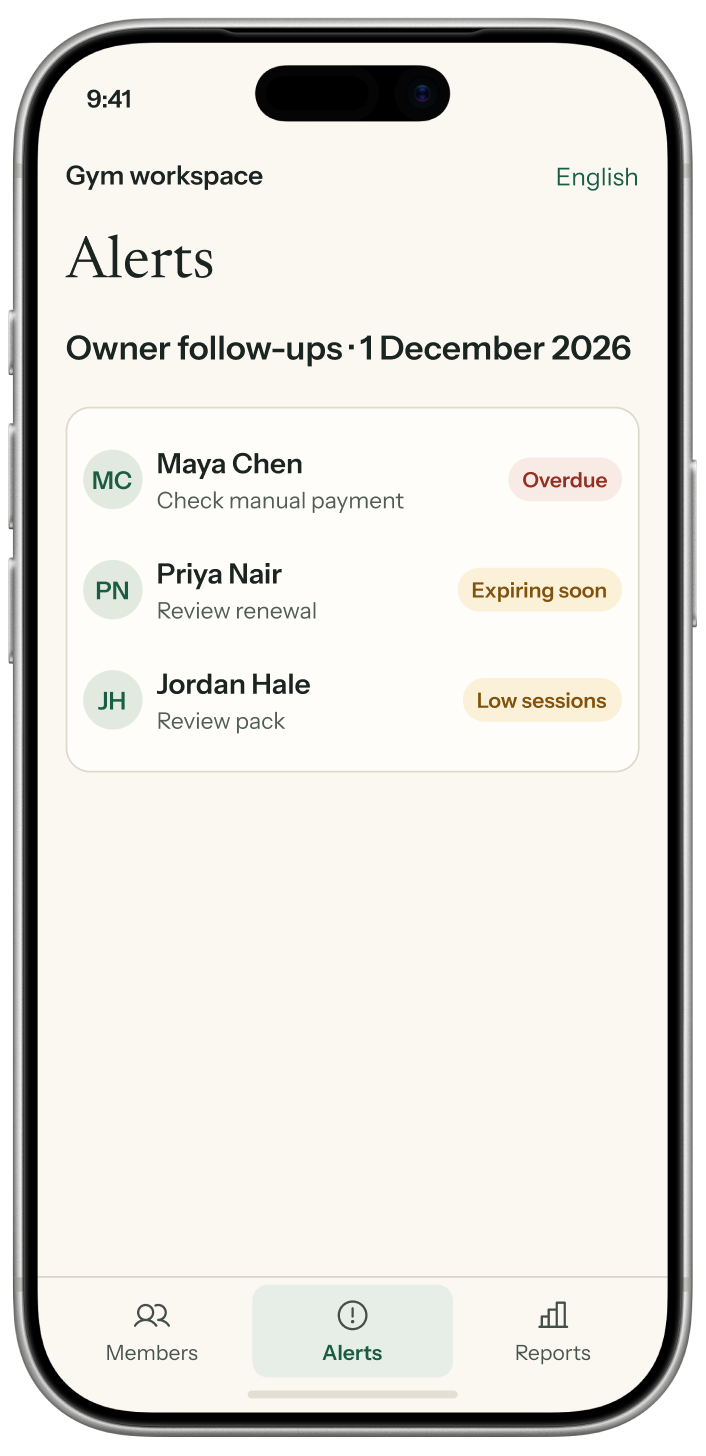
The owner sees Priya’s renewal in Alerts.
 Gmail / Drafts
With Priya’s consent, the owner checks the recipient and message in Claude and approves the Gmail draft.
Gmail / SentThe owner reviews the draft and selects Send in Gmail. Priya then receives the reminder.
 Using Outlook? Copy the approved text into a message and send it yourself.
Move between members, alerts and reports with one thumb.
 Buy on Gumroad · $39
 By Kudret Keskin

Inside the PDF
Stay in one Claude conversation. Each step gives you a prompt to paste, a result to check and a fix if something goes wrong.




Start with a sample member. Close and reopen the board to test saving before entering real records. Optional Gmail drafts need a supported plan.

Use personal storage. Record payments by hand and keep bank details, card numbers and health notes off the board.
The desktop app runs on Mac or Windows while online and signed in. Allow notifications for a daily reminder, or use the list inside the board.
Membership Manager / PDF guide
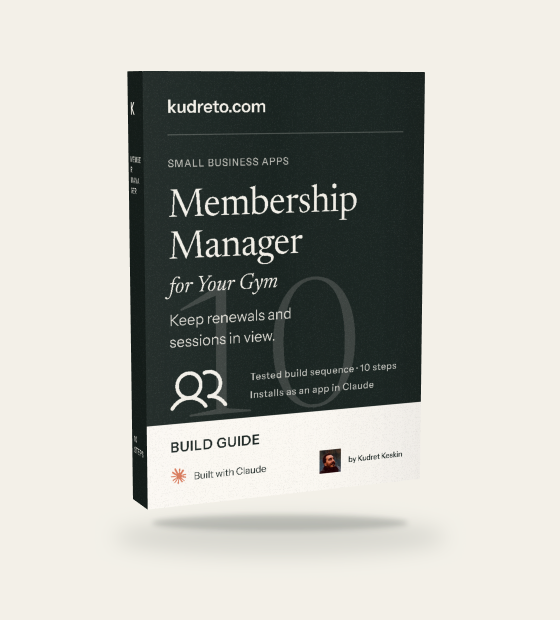
A 47-page PDF for gym owners, studios and independent trainers, with ten prompts, checks and fixes.
Questions
 Can I record payments in different currencies?
Yes. Enter the amount and choose a currency for each payment. Your region sets the default formatting. Earlier entries keep their original currency.
 Does the app charge members?
The owner records a payment after it takes place. The guide covers manual entries and payment history.
 How does a session pack work?
Open the member, check the balance and confirm the visit. A ten-session pack with two visits left then shows one visit remaining.
 Priya Nair
Keep going
Where I write about this
X
@kudretocom
x.com/kudretocomLinkedIn
Kudret Keskin
www.linkedin.com/in/kudretkeskinUnstuck SaaS
Newsletter on Substack
unstucksaas.substack.comFirmam.ai
The product I am building
firmam.ai